Home / Guides
How to Track Business Expenses in Excel or Google Sheets
A step-by-step setup for tracking business income and expenses in a spreadsheet, with monthly totals and a tax set-aside.
Set up two logs, not one
Keep income and expenses on separate tabs with the same columns: date, description, category, amount and notes. Separate logs make formulas simpler and mistakes easier to spot.
Template · $9+
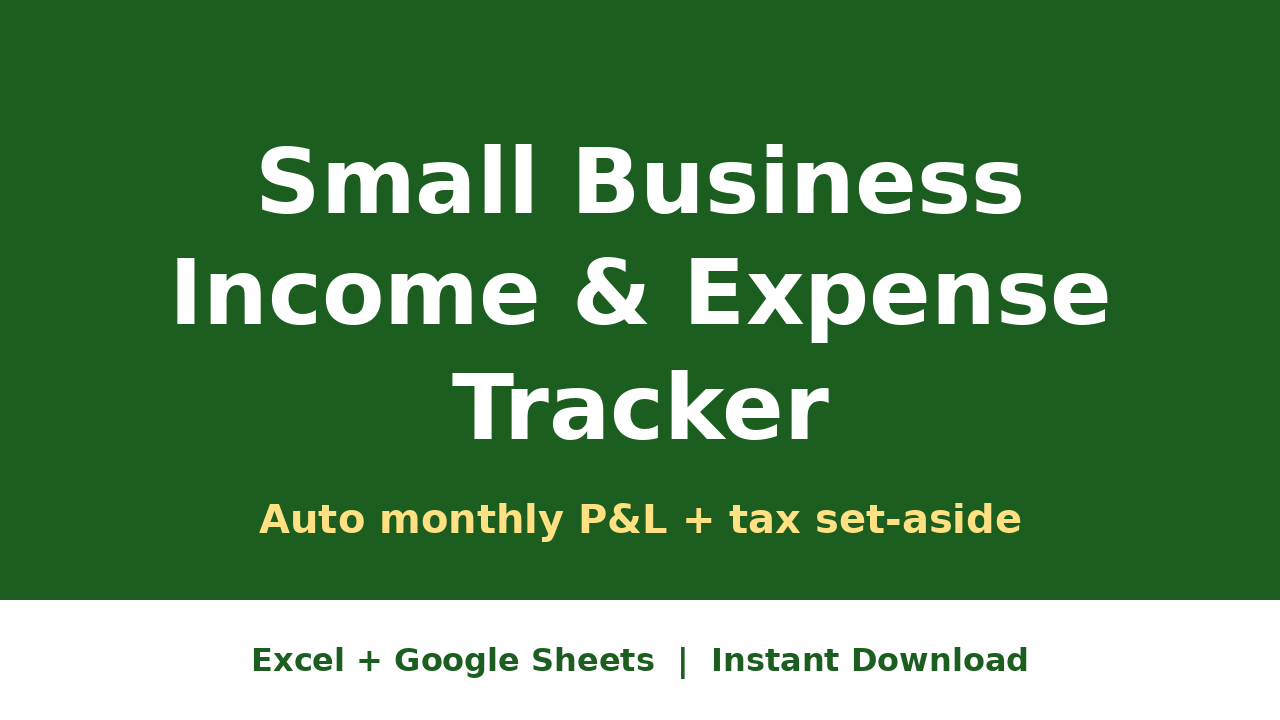
Small Business Expense Tracker
Log expenses by category with monthly totals for tax time.
Get it →The formulas that do the work
- Monthly totals: SUMIFS on the amount column by month and category
- Net profit: total income minus total expenses for each month
- Tax set-aside: net profit times your chosen percentage (many self-employed people use 25 to 30%)
- Category totals: one SUMIFS per category for the year, which is what you hand to your accountant
A 10-minute weekly habit
Pick one day a week, export or check your bank statement, and log anything new. Small weekly sessions beat a weekend of sorting receipts in April.
Free download
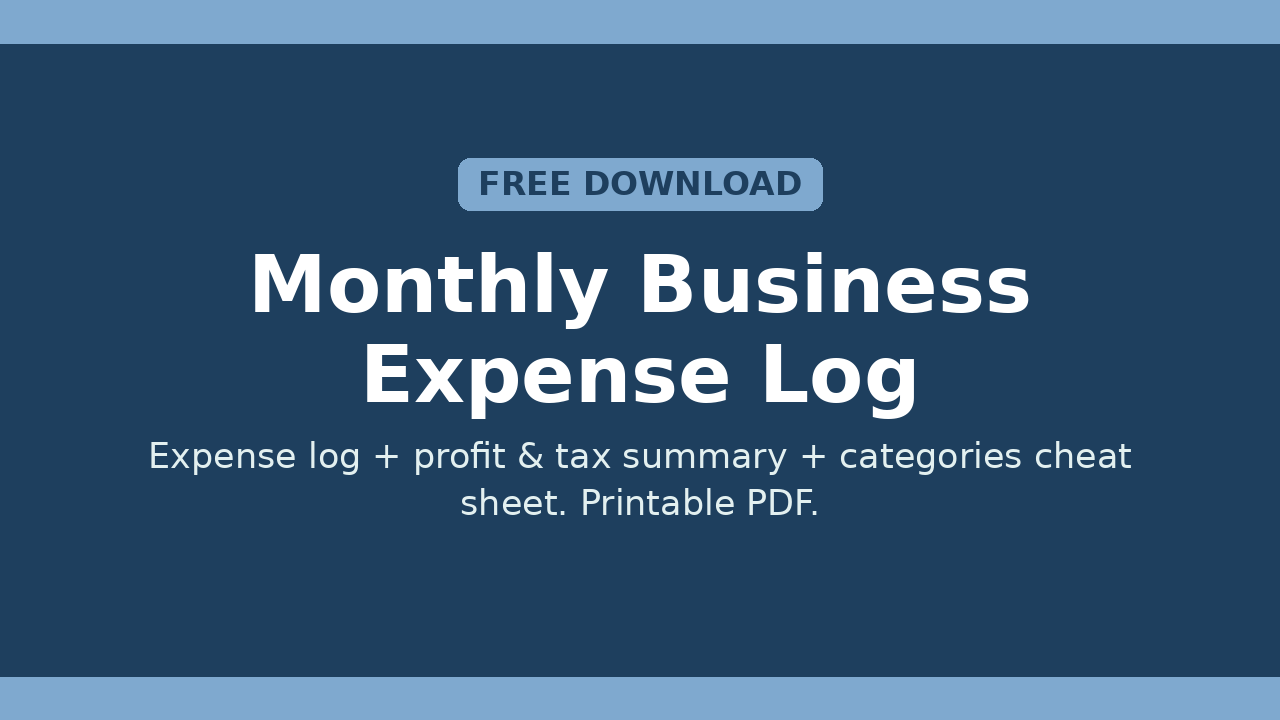
Free Monthly Business Expense Log
A printable expense log, profit and tax summary, and categories cheat sheet.
Download free →Related templates
Free Monthly Business Expense Log
A printable expense log, profit and tax summary, and categories cheat sheet.
Download free →